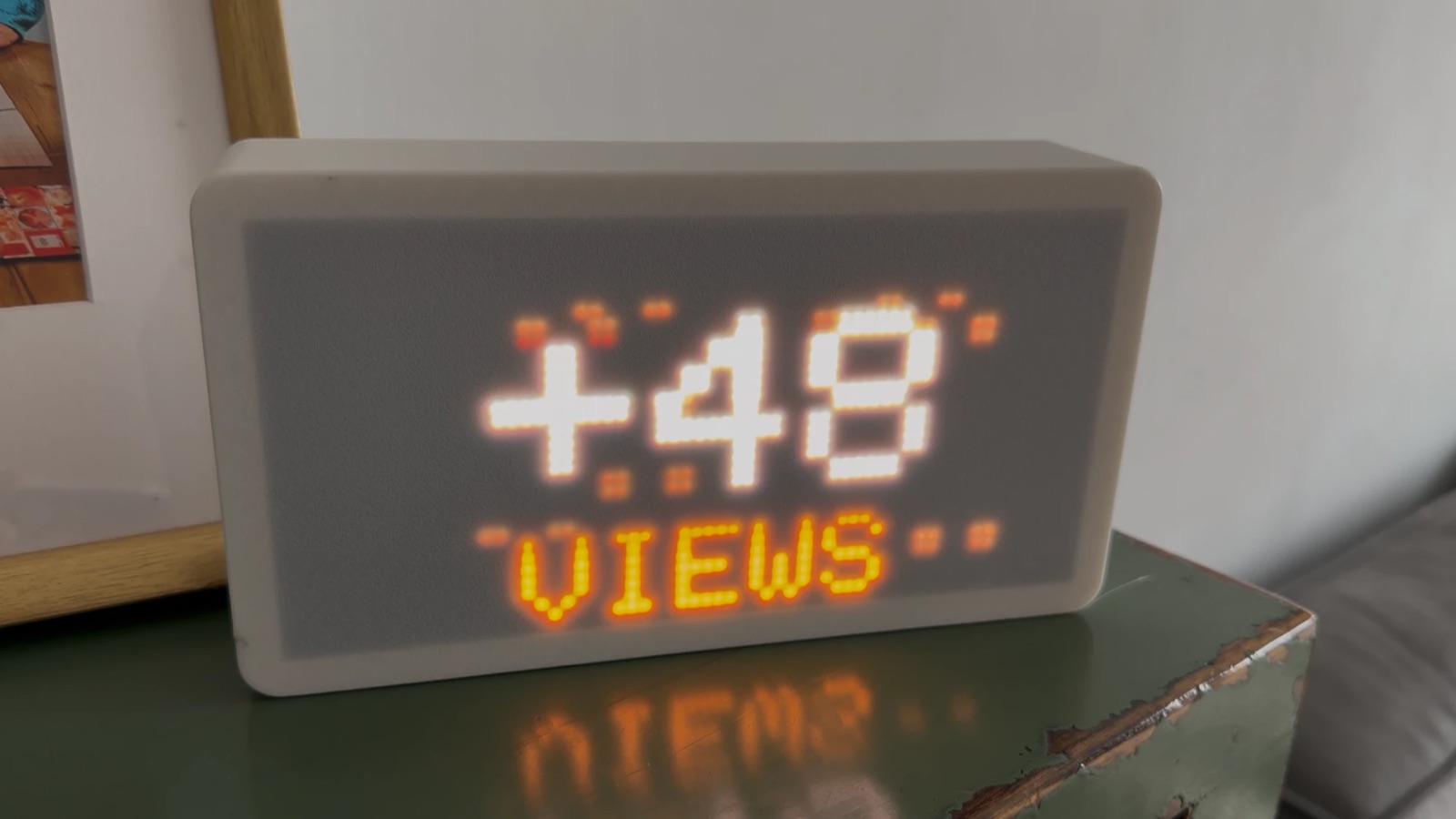
My son makes YouTube Shorts about Pokémon. He already has a dashboard for the numbers, but a dashboard is something you go and look at. I wanted something on his shelf that tells him when something happens, and keeps quiet the rest of the time.
So I built a small LED matrix. It is dark most of the day. When the channel gets a subscriber, a comment, some likes or a new video, it wakes up, plays a short animation about it and goes dark again.
What it does
Every five minutes the board asks my backend what the channel did. If anything moved, it plays one episode. An episode is an animation, then the number that moved, then how far that number still has to go.
| What happened | The episode |
|---|---|
| A milestone reached | A firework, then the number |
| A new video | A ball rolls in and springs open on the video's views and title |
| New subscribers | An electric storm, the count, then the goal |
| New comments | A speech bubble types its dots, then the new total |
| New likes | A thumbs-up pops and wipes away, then the total |
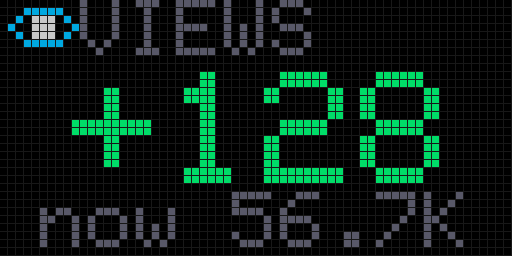
| New views | Eyes blink open in the dark, the count, then the goal |
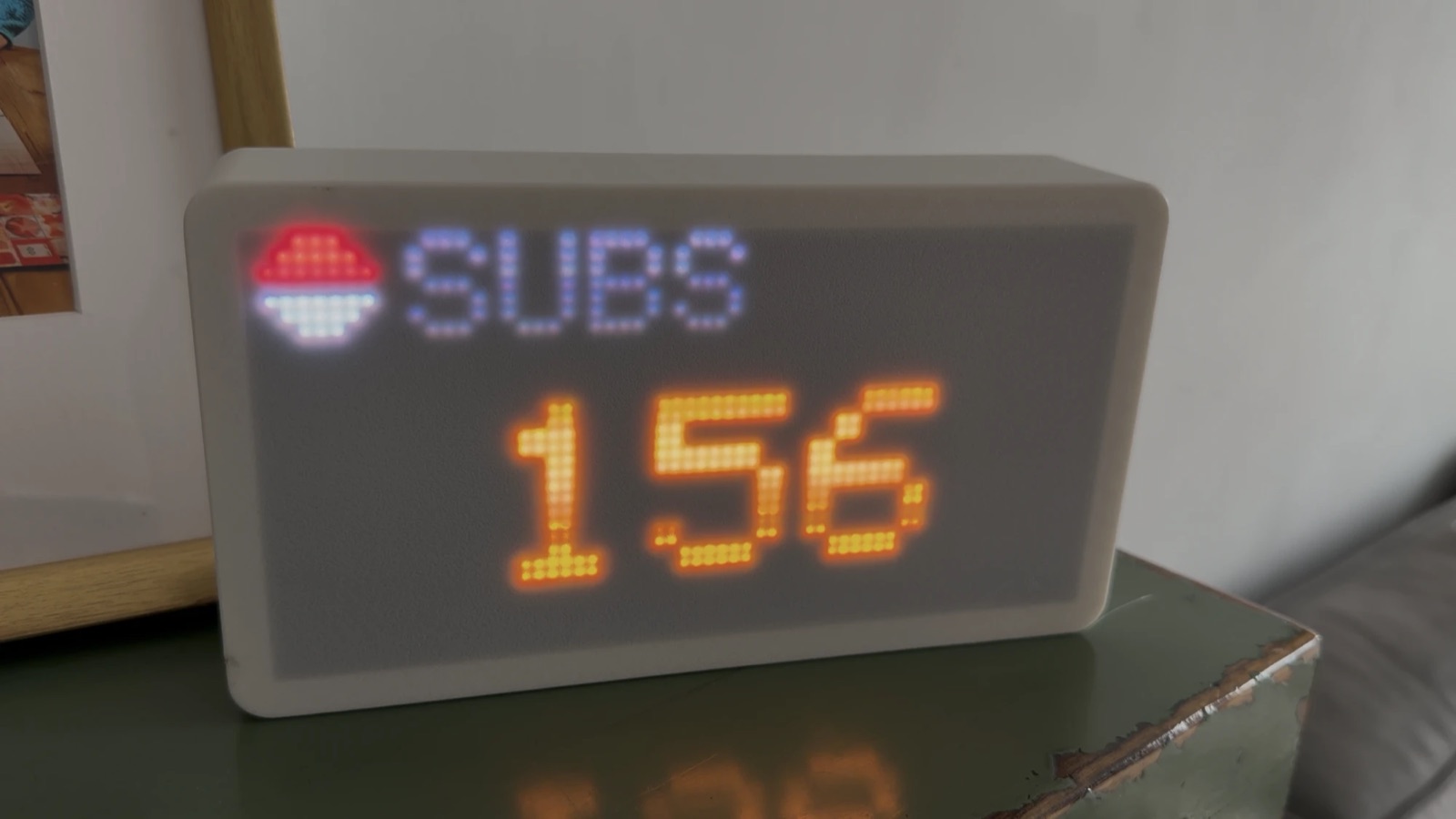
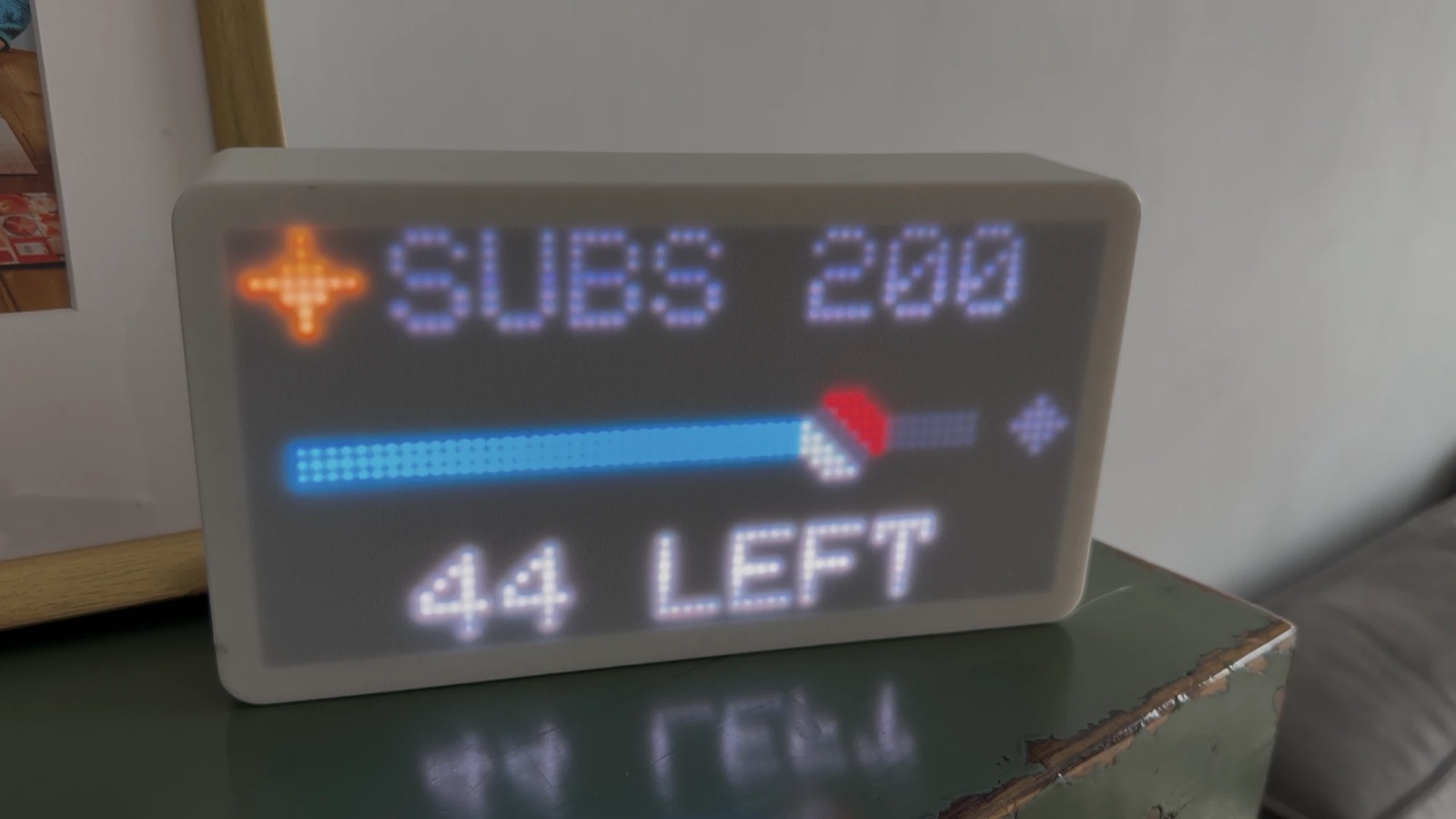
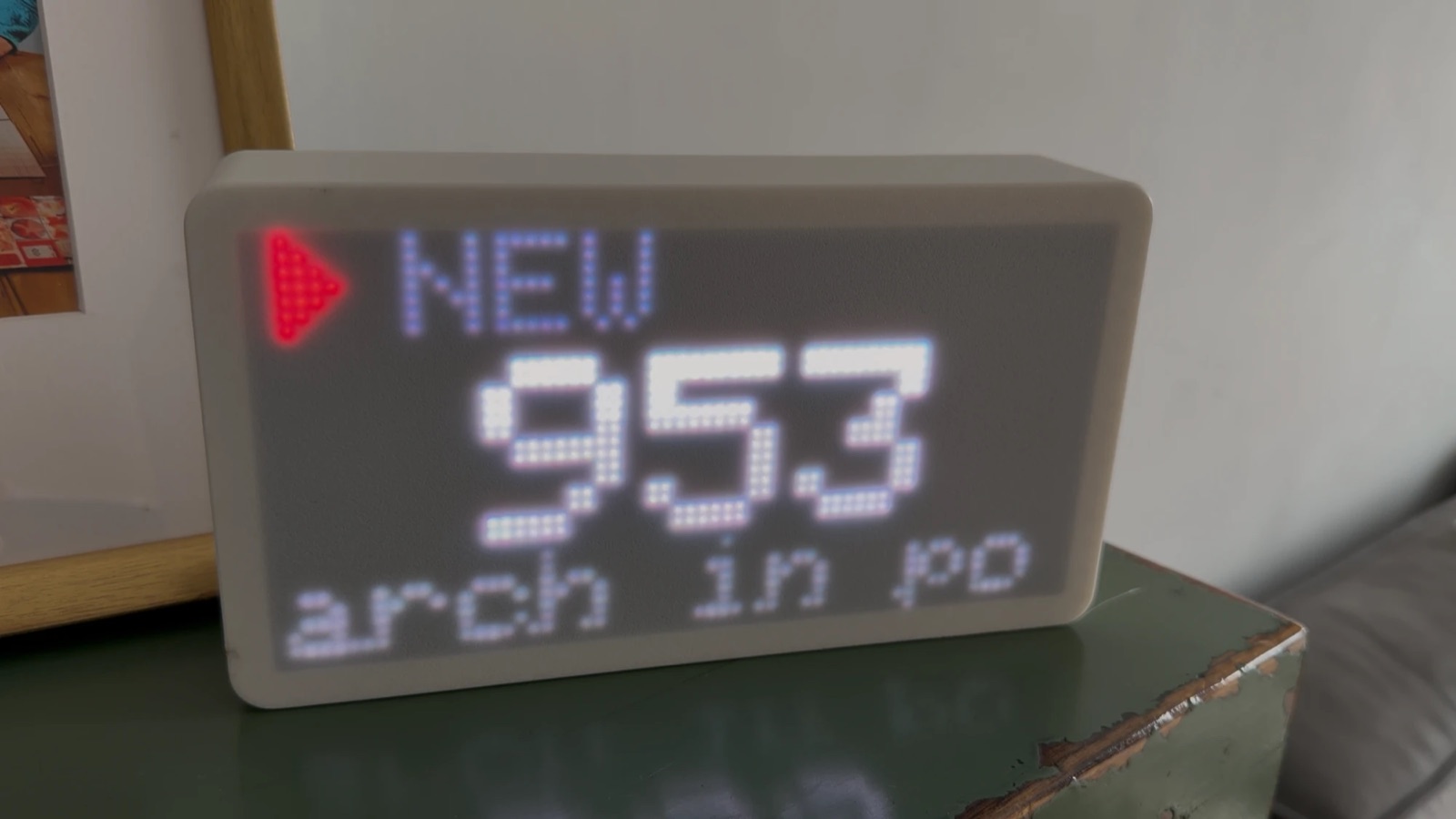
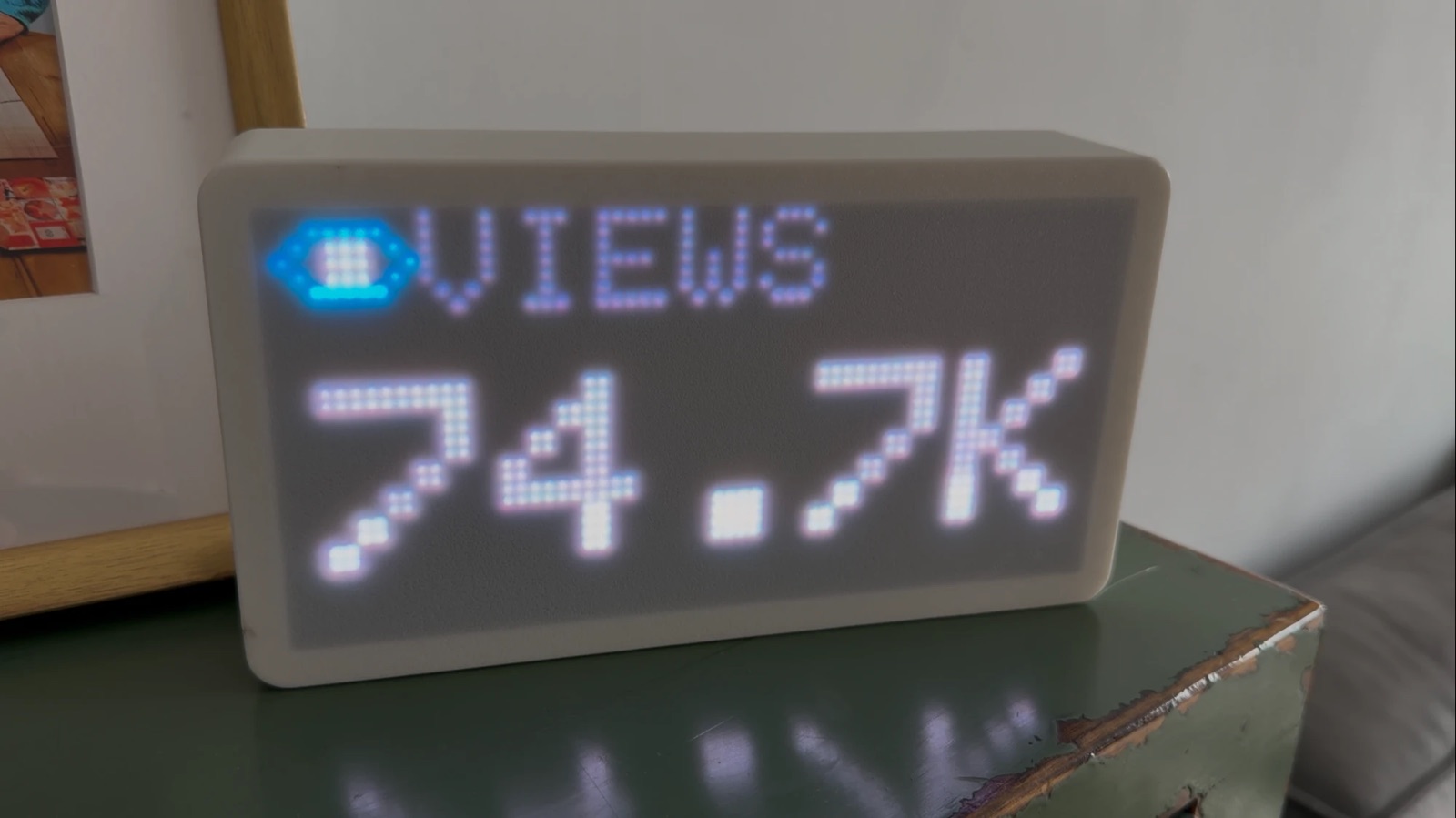
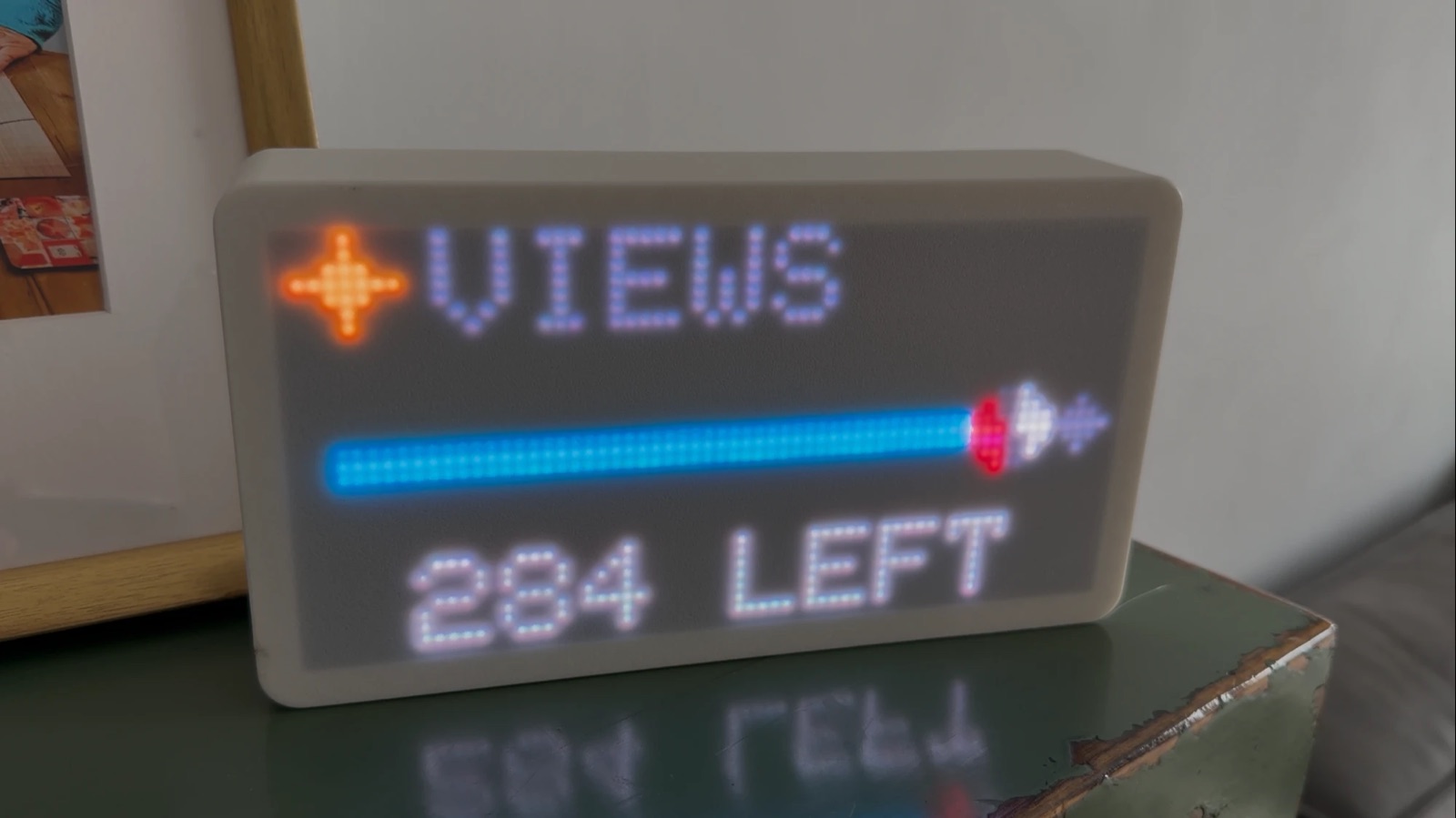
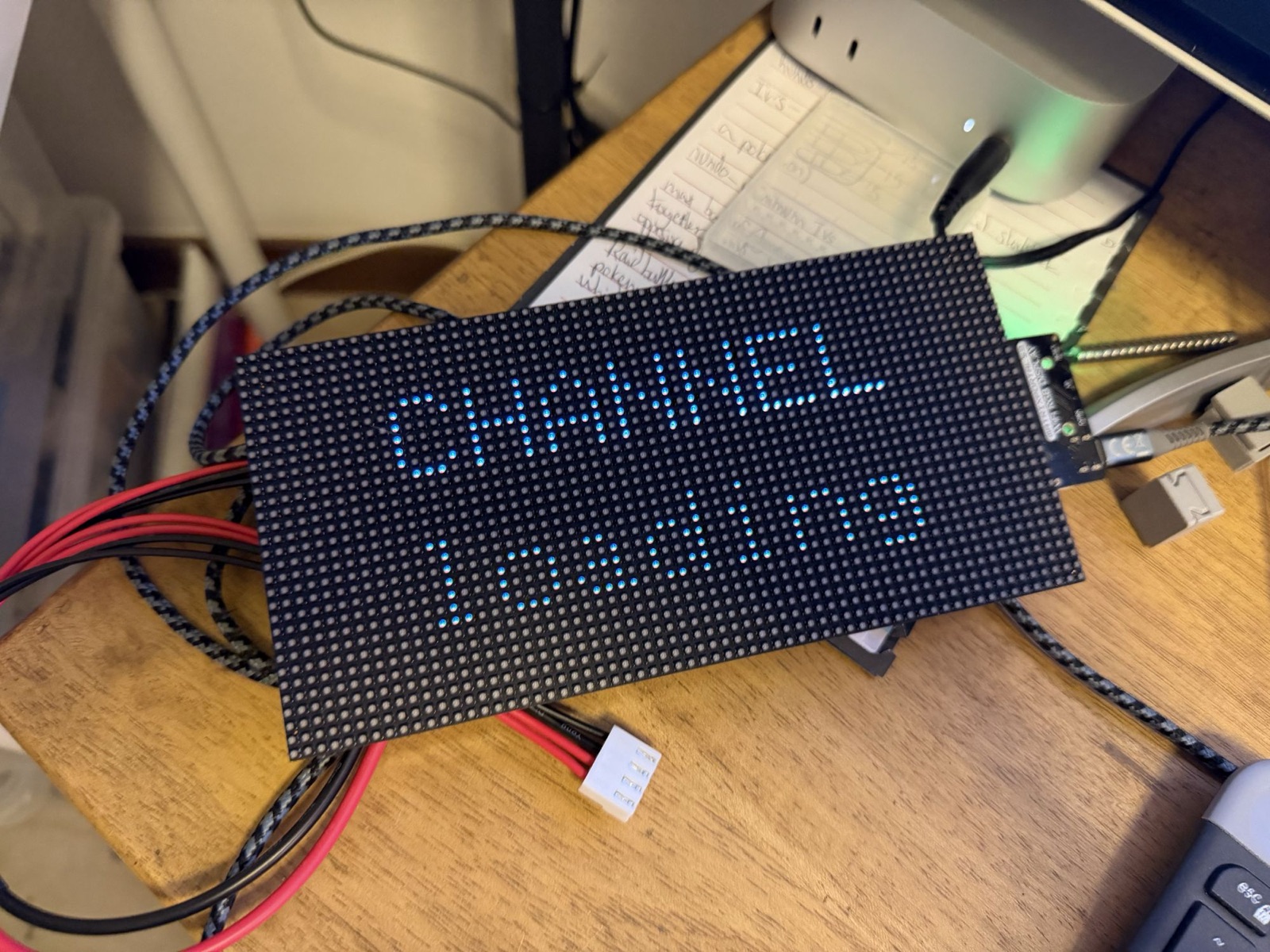
These photos are stills from a video. A phone camera catches the LEDs mid-flicker, so every photo I took came out striped or half-lit, and the video frames are soft. In the room the panel is sharp and the colours are much stronger than they look here.
Only one episode plays per refresh, and the biggest news wins. A milestone beats the subscriber that carried it, and a new video beats the views it is about to collect. The rest is dropped, not queued. A screen working through a backlog is a screen nobody reads.
Views needed one more rule. On a good day every refresh brings a few, and waking up for each one would put the panel back to being always on. They pile up until there are at least ten, and the panel mentions them at most once every twenty minutes.
The likes and comments animations are my son's. He sketched both on paper, a thumbs-up that pops and a bubble that types three dots, with red, yellow and blue confetti. They are drawn as he drew them. His sketch also had the commenter's name next to the bubble. The screen never gets told who commented, so the bubble is filled with scribble instead.
The animations below are drawn on my laptop by the firmware's own drawing code, every frame at the panel's real speed of 25 frames a second. Each LED is magnified eight times with the gaps between them left dark.
A recap, so a dark panel still says something
A panel that only speaks when something happens says nothing about the hours nobody watched it. So it also recaps. It does this when it is plugged in, when its attention window opens after school, and after an hour inside the window with nothing shown.
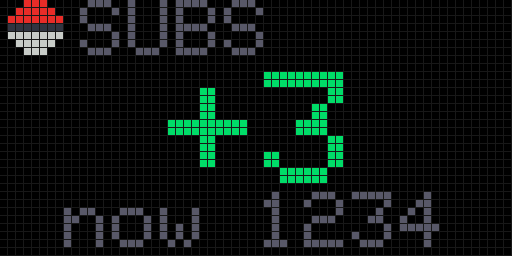
The recap opens with a blue ball rolling in from the right, so it never looks like a new video. Then it shows one card per number that moved, leading with the change. It is the only screen that shows a number going down. If nothing moved at all, the ball sits in the middle breathing, with a couple of z's drifting off it.
How it fits together
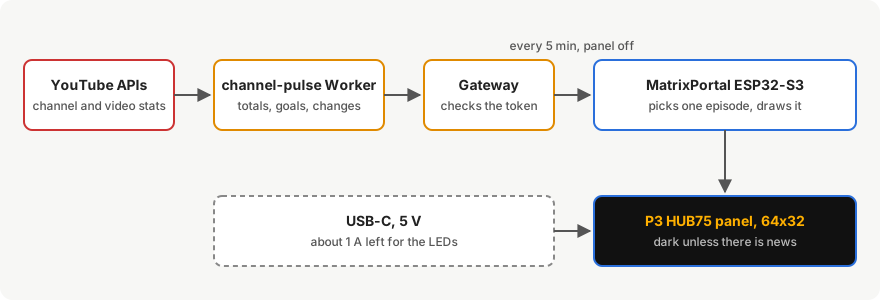
The matrix is the third screen on my maker platform, after the bus screen and the kids' habits screens. That made the software side quick. The channel numbers were already served by a Worker for the dashboard, and the board reuses the same network, API and scheduling code as the other screens. The only new code is the renderer and the animations.
The backend did need two additions. YouTube does not report likes or comments for a channel as a whole, so the Worker now adds them up across every video. It sends nothing unless every video reported its count, because a partial total would rise and fall as videos drop in and out, and the panel would celebrate likes that never happened. It also learned to report what changed over a period, which is what the recap reads.
The animations are in one file each. Which episode wins and what it is made of live in a header the tests can reach. A test program draws every frame on my laptop with the device's own code, which is where the pictures on this page come from. Writing the views blind had left four faults that a photo of a dim panel would never have shown me, like a view count colliding with a badge and headings cut off mid-word.
Hardware
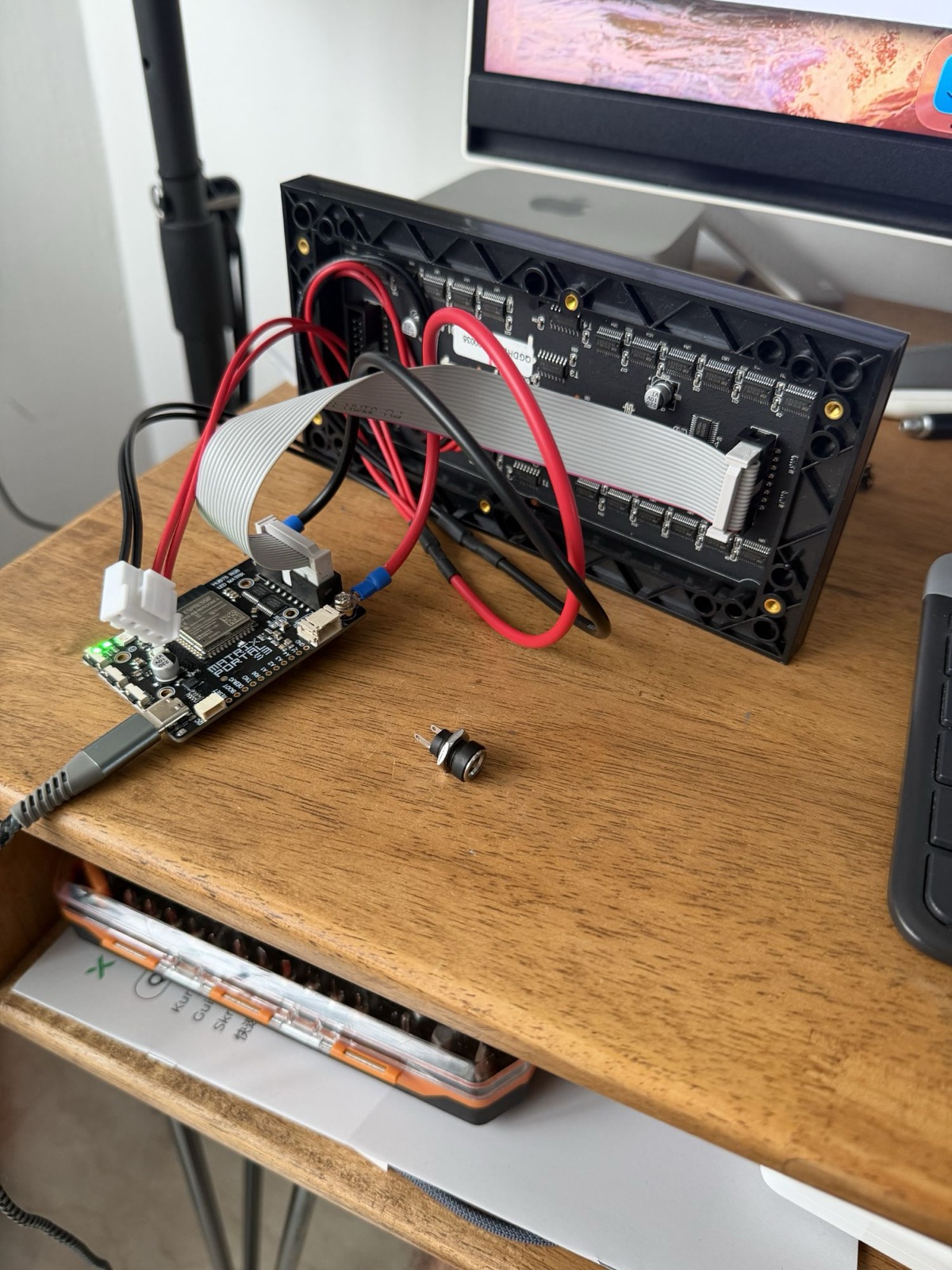
- A MatrixPortal ESP32-S3 carrier board. Mine is an AliExpress clone, but it reports Adafruit's own USB ID and Adafruit's pin map fitted it.
- One P3 HUB75 panel, 64x32 pixels, 192 by 96 mm.
- Power through the board's USB-C port. The panel takes its 5 V from the board's terminals, so every milliamp the LEDs use comes through that connector.
- A 3D-printed case, designed by Claude. More on that below.
- Firmware built with PlatformIO, the ESP32-HUB75-MatrixPanel-DMA library and Adafruit GFX.
The case Claude designed
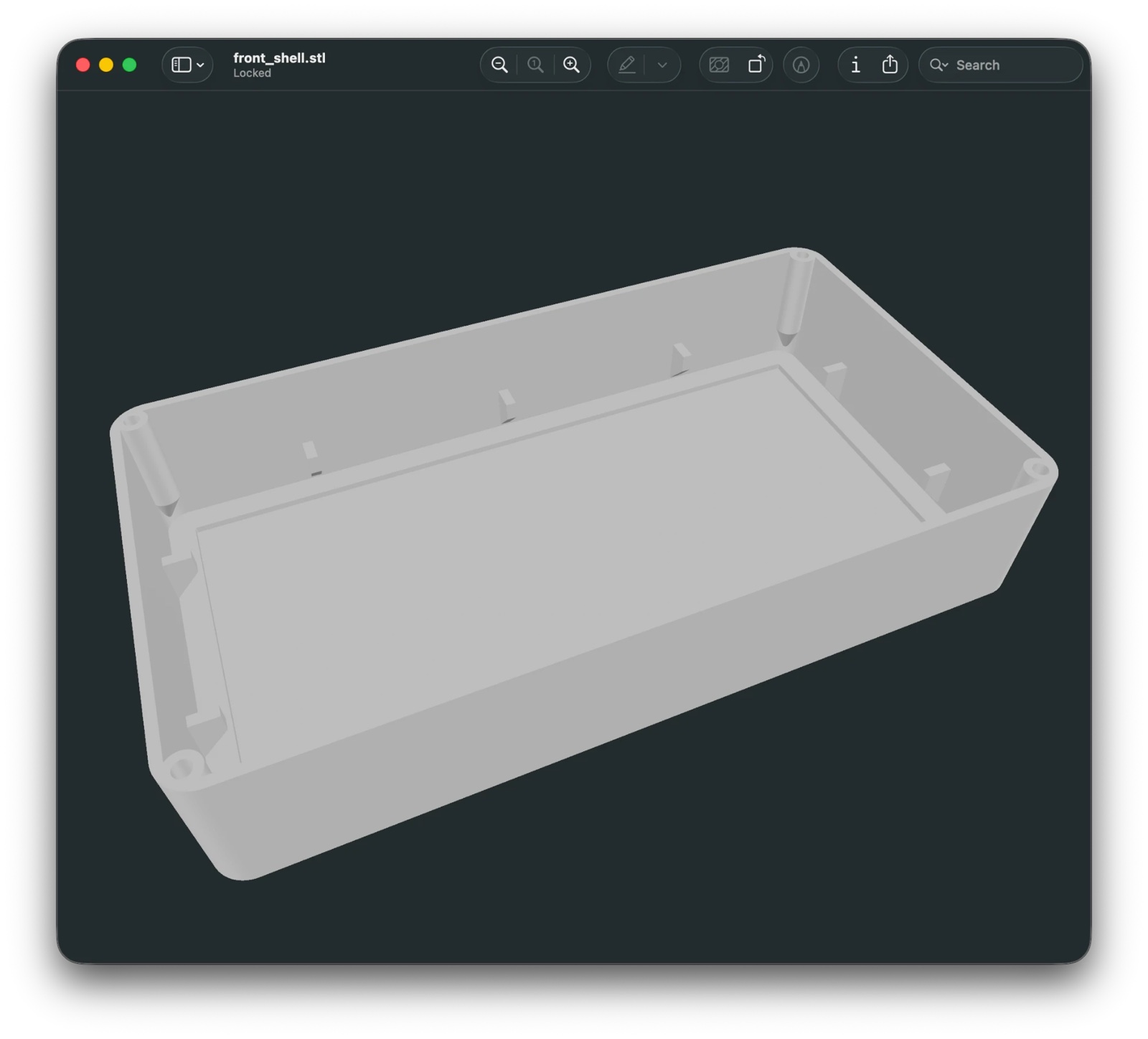
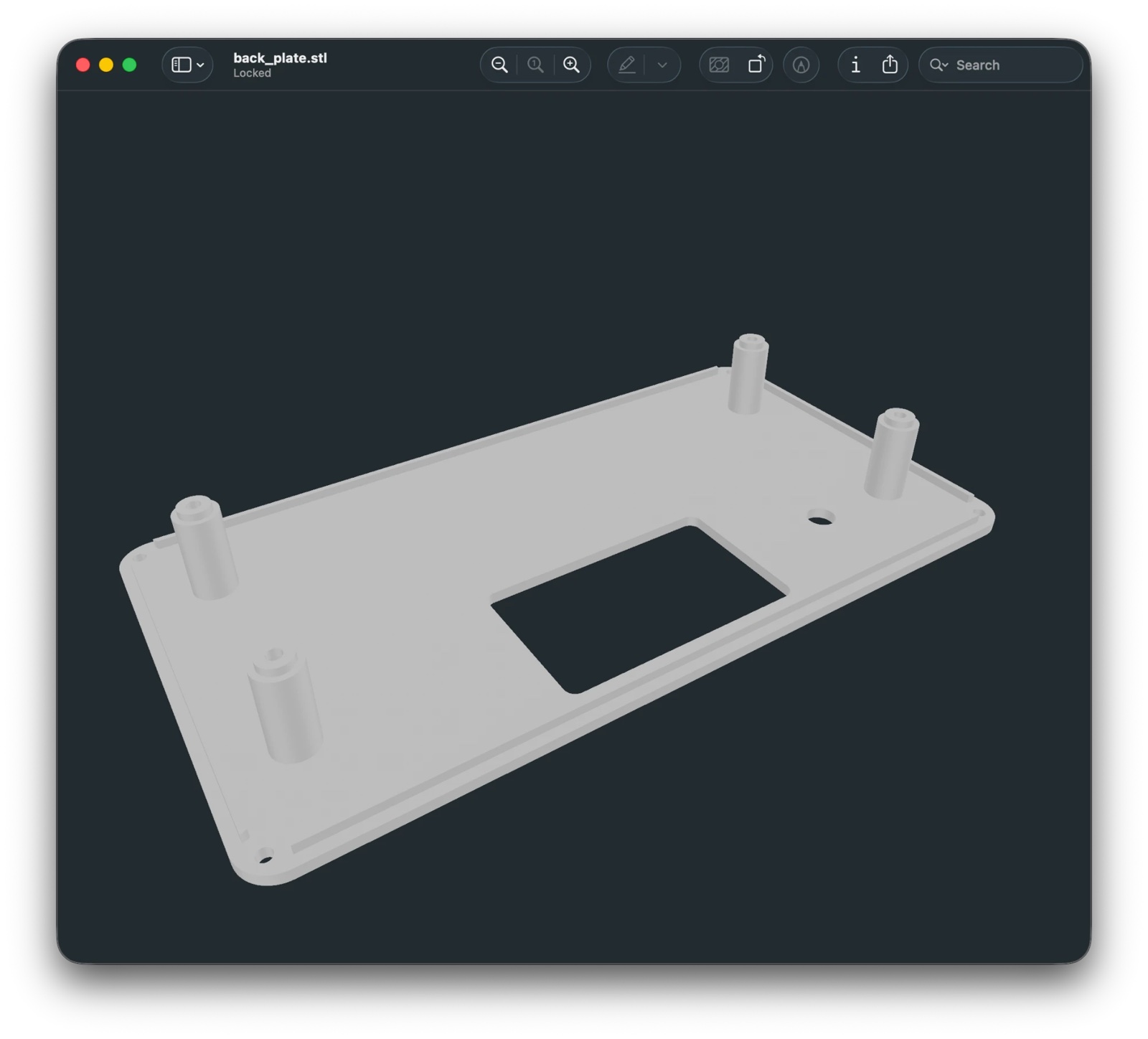
This is the part I enjoyed most. I did not open a CAD program. I gave Claude photos of the panel and the board, and it wrote a Python script that builds the case from parameters and writes out STL files ready to slice. The script uses manifold3d, a geometry library, to add and subtract shapes. Every size is a named number at the top of the file.
The first go was built from guesses. Claude marked every number it had estimated from a photo with MEASURE, like the panel's depth, the positions of its four threaded inserts and the room behind it for the board. It also gave me a plate of small test tiles to print first, so I could pick a diffuser before committing to a whole case.
The second go used my measurements, and it is the case on the shelf. The inserts sit 174 by 60 mm apart, and the electronics needed 10 mm more room at the back than the first guess. It also came in two designs. One holds a thin acrylic sheet behind an open bezel. The other prints the front skin itself as the diffuser, in translucent filament, with a test plate of four skin thicknesses from 0.4 to 1 mm to choose from. I printed that one. The thin white skin is what turns the hard LED dots into the soft glow in the photos above,.
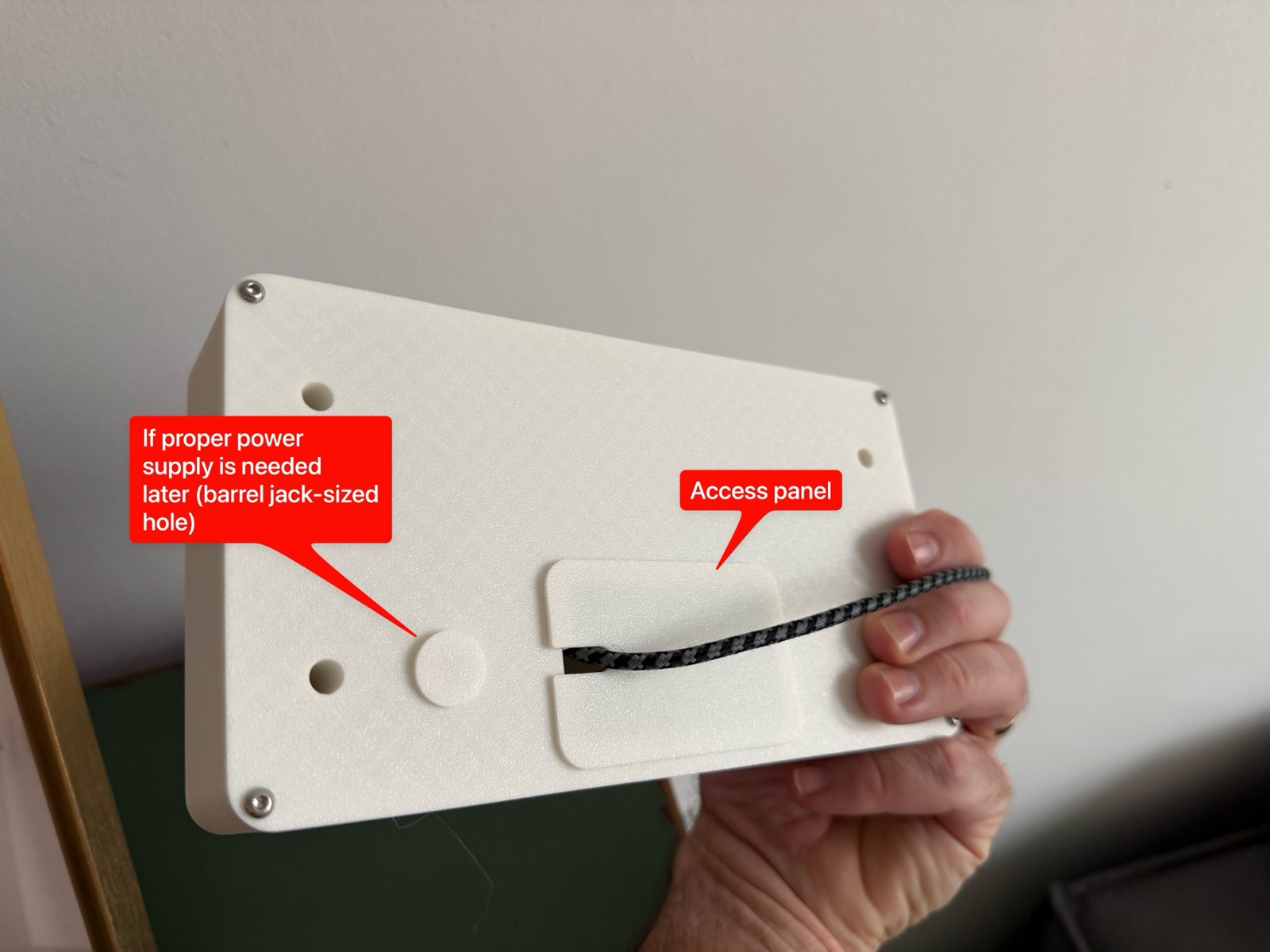
The back has two useful details. A plate the size of the board's corner lifts off, so I can reach the USB-C port and the buttons without unscrewing the case, and the cable leaves through a slot in it. Next to it is a hole for a barrel jack, capped for now. If the panel ever needs more power than USB-C can give, a proper 5 V supply can go there without printing a new case.
Problems worth remembering
The panel and Wi-Fi cannot share the board. The matrix library warns that this board can have radio trouble while it drives a panel. It does, badly. I timed the same request to my backend with the panel on and off.
| Panel | Result | Time |
|---|---|---|
| On | 0 worked, 3 failed | 18.8 to 23.4 s, all timed out |
| Off | 6 worked, 0 failed | 1.77 to 1.97 s |
| On again | 3 worked, 0 failed | 2.2, 3.1 and 10.8 s |
The fix is to never ask the radio to work while the panel is lit. Every network call is wrapped so it switches the panel off first and back on afterwards. The panel blinks dark for about two seconds every five minutes, which nobody notices.
A test pattern for every wrong pin. Before anything else ran, a bring-up program walked through seven patterns, each chosen so a wrong wire shows up as a fault you can name. Rows arriving in pairs mean a wrong address line, and the size of the jump says which one. It found the one thing this panel does differently: it latches the clock a beat later than the library expects, so the whole picture sat one pixel to the left and column 0 wrapped round to column 63.
Always on is the same as never seen. The first version rotated three cards for the whole afternoon. It worked, but a lit panel repeating the same numbers for hours is one you stop seeing. Going dark between episodes is what made it worth looking at.
Full brightness needs a power budget. The panel draws 2.5 A with every LED at full white. A modest USB charger gives about 1.5 A, and half an amp of that goes to the ESP32 and the panel's own driver chips, which leaves one amp for the LEDs. What matters is not how bright a frame is but how much of the panel it lights, so each part of an episode declares how much it is allowed to light. The firmware dims only a frame heavy enough to go over the budget. The heaviest frame is a lightning flash in the storm. It lights about 30% of the panel, which at full brightness is roughly 740 mA, inside the one amp.
I dropped the panel. Three LEDs in the top row came off. Rather than redraw every card, the picture now turns half a turn and the panel hangs upside down. The damage lands on the bottom row, which the layout already leaves blank.
How it grew
- Day 1. Bring-up. The pin map, the clock fix and the Wi-Fi measurements.
- Day 2. The channel on the panel as three rotating cards, then sprites and the storm, reveal and firework animations. My son's likes and comments sketches went in the same day. Claude designed the case in parallel. By the evening the panel stayed dark until there was news.
- Day 3. The recap, full brightness with a power budget, and the half turn to hide the dead LEDs.
What's next
The three dead LEDs still have their pads, so I can solder new ones on one day and turn the picture back. The board has no over-the-air updates yet, unlike the bus screen, so every change still means taking it off the shelf and plugging in a cable.