cat blog/create-slideshow-quickly-using-keynote.md
blog·Mac

Create a slideshow in seconds using Keynote

As a teacher, it is likely that you will have to put together some sort of slideshow at some point in your career. Sure there are lots of pieces of software that will create great slideshows for you (iPhoto, etc.). But what if you have a bunch of photos on your drive somewhere and 20 seconds to make a slideshow? You could use Keynote. Here is how.

FN
Written by Frederic Nevers
·9 min read
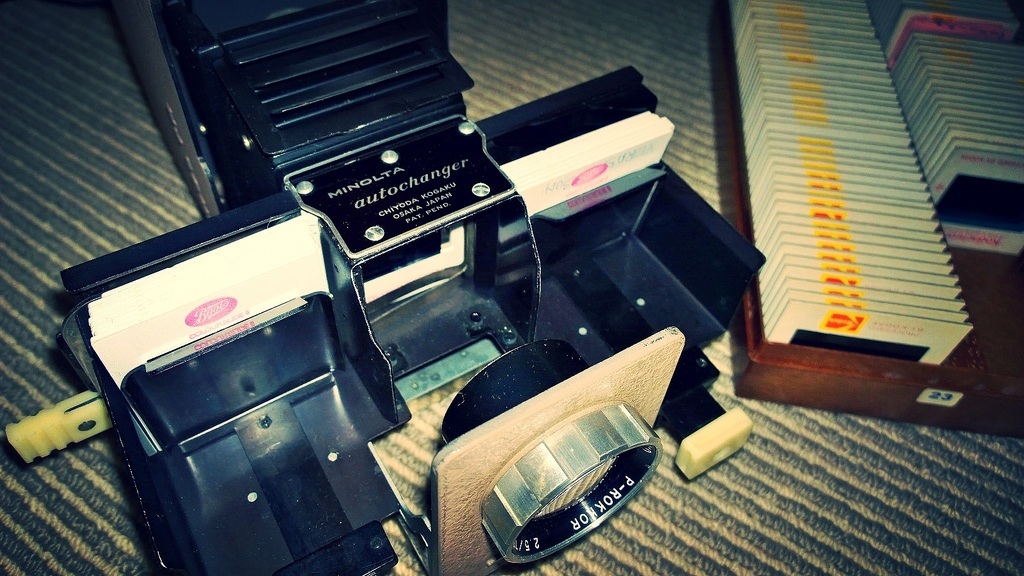
Old school slide projector
fig.01_create_slideshow_quickly_using_keynote.pngKeynote · Mac

Step 1: Select photos in Finder
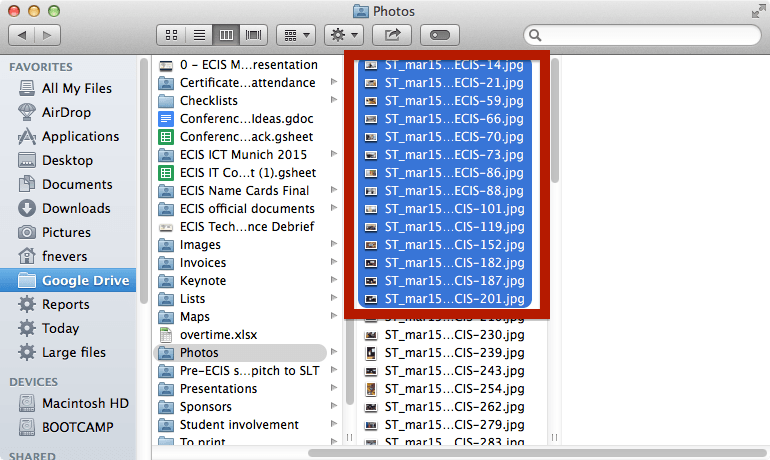
Select files in Finder

Step 2: Create a new Keynote document

Click here if you don’t remember how.

Step 3: Drag your photos on Keynote’s sidebar
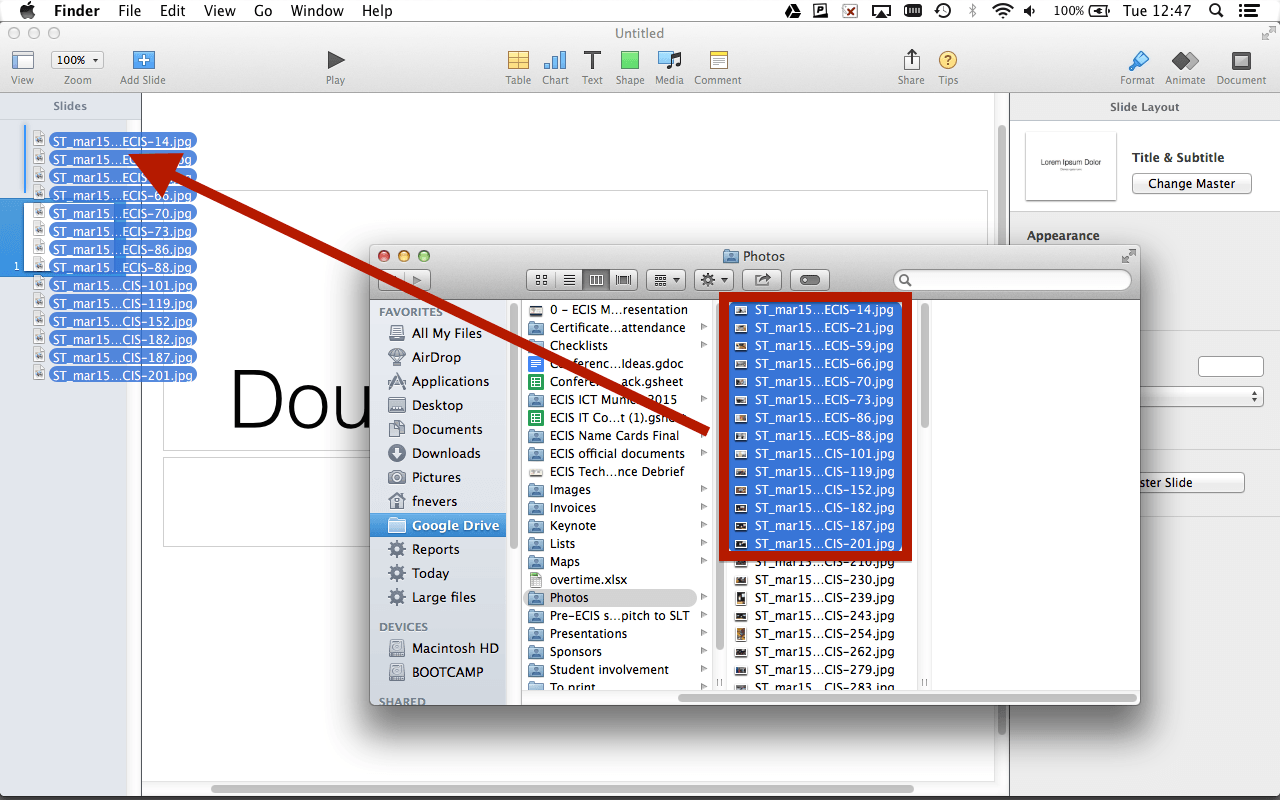
Drag photos onto Keynote's sidebar

Step 4: Set your transition time
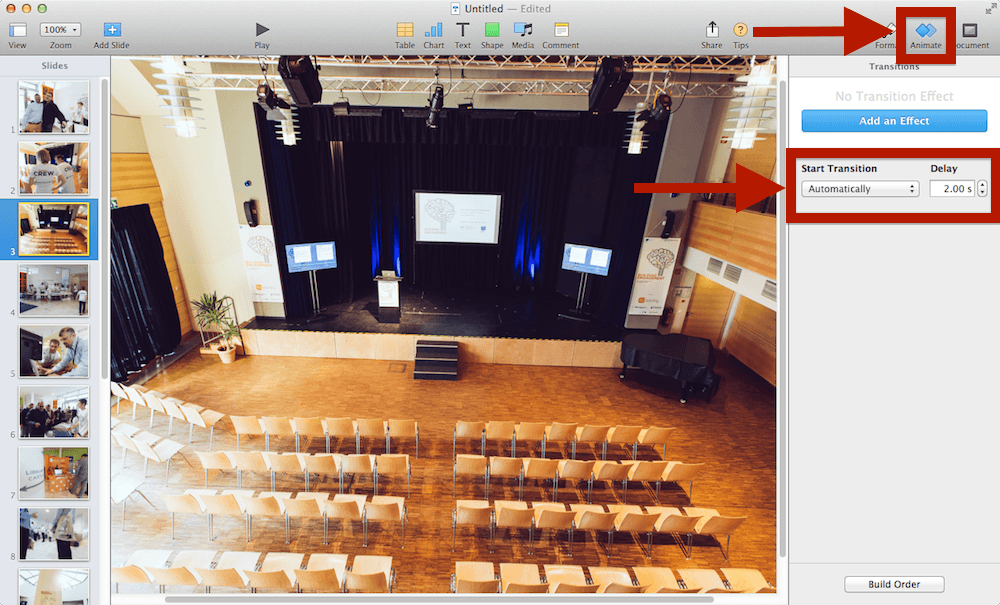
Set transition times in Keynote

Step 5: There is no step 5. Press ‘Play’, you’re done!

Photo credit: WP_20140319_004 by Khedara ආරියරත්න 蒋龙 under CC-BY-SA

Tagged
#Keynote#Mac#Slideshow#Tips
◆ ◆ ◆